 011 312 1155
 info@kmgauteng.co.za
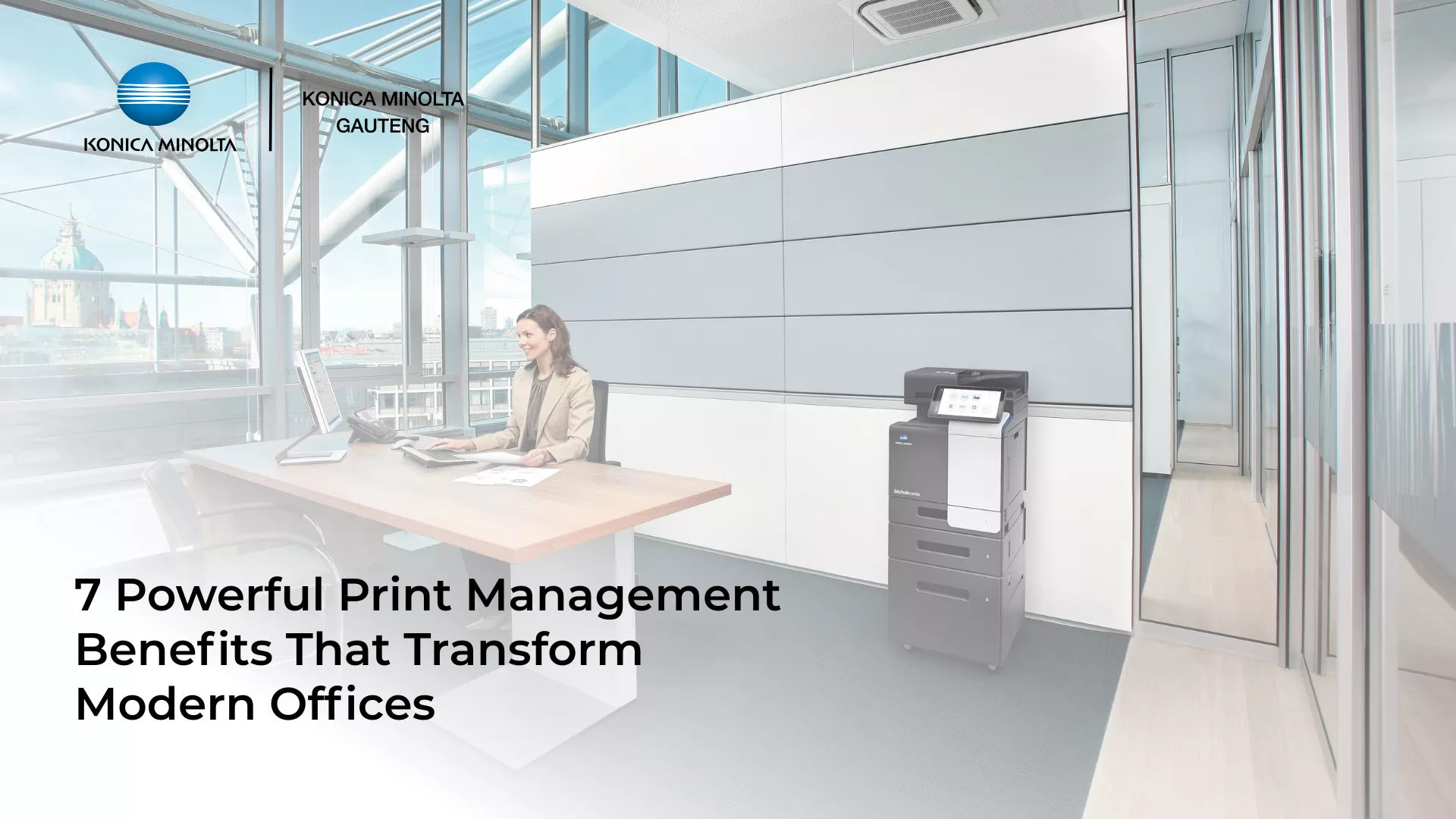
Printing may seem like a simple office function, but for many organisations it becomes a hidden operational cost. Documents are printed unnecessarily, confidential files are sitting unattended on shared printers, and IT teams struggle to track who is using what resources.
Without proper oversight, office printing can quickly become inefficient and expensive.
This is why many organisations are implementing print management solutions to gain control over their printing environments. These systems help businesses monitor printing activity, reduce waste, improve document security, and optimising print across departments.
One of the most effective platforms available today is PaperCut print management software, which integrates seamlessly with multifunction printers and office devices.
👉 Learn more about the printing solution.
When paired with reliable office printers and easy access to consumables through an online toner and supplies store, businesses can create a smarter and more efficient printing ecosystem.

What Is Print Management?
Print management is software that helps organisations monitor, control, and optimise their office printing environment.
It tracks printing activity, reduces unnecessary printing, improves document security, and lowers operational printing costs.
Modern systems like PaperCut allow businesses to control printers, users, and print jobs from a central dashboard, giving organisations complete visibility over how printing resources are used.
What Is Print Management Software?
Print management refers to the tools and systems used to monitor, control, and optimise printing across an organisation.
Instead of allowing printing to happen without oversight, printing software provides administrators with detailed insights into printer usage and costs.
These systems allow organisations to:
- – Track who prints and how often.
- – Monitor colour versus black-and-white printing.
- – Set printing budgets or quotas.
- – Improve document security.
- – Reduce paper and toner waste.
Solutions such as PaperCut integrate directly with multifunction printers and office devices, making it easy to manage printing across the entire organisation.
According to Konica Minolta, print management systems help organisations gain better control over their printing infrastructure and improve productivity.
The Hidden Costs of Unmanaged Office Printing
Many organisations underestimate the cost of unmanaged printing.
Employees may print drafts, duplicate documents, or emails that are never actually used. Toner cartridges are replaced more frequently than expected, and confidential documents may be left sitting on shared printers.
Without visibility and accountability, these inefficiencies quickly add up.
Common problems include:
- -Excessive paper usage.
- -High toner consumption.
- -Increased printer maintenance.
- -Security risks for confidential documents.
A structured print management system addresses these issues by providing visibility, control, and accountability across the printing process.
1. Reduce Printing Costs Across Your Organisation
One of the biggest advantages of implementing print management solutions is cost control.
By tracking printing activity across users and departments, organisations can identify exactly where resources are being wasted.
For example, businesses often discover that:
- -Certain departments rely heavily on colour printing.
- -Large print jobs are being sent unnecessarily.
- -Duplicate documents are printed frequently.
With this information, administrators can implement simple policies that reduce waste while maintaining productivity.
Over time, these improvements can significantly reduce operational printing costs.
2. Improve Document Security
In many workplaces, confidential documents are printed and forgotten on shared printers.
This creates a serious security risk, particularly for organisations dealing with sensitive information.
Print management software addresses this issue through secure print release.
Instead of printing immediately, documents are held in a secure queue until the user authenticates at the printer.
This ensures that documents are released when the authenticated person is physically present at the device.
Industries that particularly benefit from this include:
- -Financial institutions.
- -Legal firms.
- -Healthcare organisations.
- -Schools and universities.

3. Gain Full Visibility Over Printing Activity
One of the most valuable features of office print management systems is transparency.
Administrators can easily see:
- -Which employees print the most.
- -Which printers are used most frequently.
- -Colour versus black-and-white printing trends.
- -Overall printing costs.
This level of insight helps organisations make better decisions about their printing infrastructure and resource allocation.
4. Enable Secure Mobile and Cloud Printing
Modern workplaces are increasingly mobile, with employees working across laptops, tablets, and smartphones.
Print management platforms such as PaperCut allow employees to print securely from a variety of devices without complex setup.
PaperCut supports a wide range of multifunction printers, including Konica Minolta devices.
This flexibility supports hybrid work environments while maintaining strong security controls.
5. Encourage Responsible Printing
When employees know that printing activity is tracked, behaviour naturally changes.
Print management systems often include awareness features such as:
- -Notifications showing the cost of print jobs.
- -Default double-sided printing settings.
- -Restrictions on unnecessary colour printing.
These features encourage employees to print more responsibly, reducing paper consumption and toner usage.
6. Integrate Seamlessly with Konica Minolta Printers
Print management works best when paired with reliable hardware.
Konica Minolta multifunction printers are designed to integrate PaperCut for printing, copying, and scanning from a central system.
Konica Minolta is a global technology company known for its imaging and office solutions used by organisations worldwide.
When businesses combine reliable printers with advanced print management systems, they can build a highly efficient document infrastructure
7. Order Printer Supplies Easily Through an Online Store
Even the most efficient printing environment still relies on consumables like toner cartridges and maintenance kits.
To simplify this process, Konica Minolta Gauteng offers an online store where businesses can easily order genuine printer consumables.
Benefits include:
- – Convenient online ordering.
- – Genuine Konica Minolta toner cartridges.
- – Nationwide delivery via Courier Guy.
- – Reliable supplies for business printers.
This ensures organisations always have the supplies they need to keep their printers running efficiently.

Print Management Solutions for South African Businesses
Businesses across South Africa are increasingly adopting print management systems to reduce operational costs and improve document security.
From corporate offices to educational institutions and government departments, organisations are recognising the value of gaining control over their printing environments.
With expert support from Konica Minolta Gauteng, businesses can implement print management solutions that integrate with modern multifunction printers while supporting secure workflows and document automation.
This local expertise ensures that companies receive solutions tailored specifically to the needs of South African organisations.
Take Control of Your Office Printing
Printing doesn’t have to be inefficient, insecure, or expensive.
With the right print management solution, businesses can gain full control over their printing environment, improve productivity, and reduce operational costs.
Solutions such as PaperCut allow organisations to track printing activity, improve security, and streamline document workflows.
👉 Learn more about PaperCut print management software.
And if your printers need supplies, you can conveniently order genuine consumables through the Konica Minolta Gauteng online store, with reliable nationwide delivery.
Smarter printing begins with smarter print management.
Frequently Asked Questions About Print Management
What is print management software?
Print management software is a system that helps organisations monitor and control printing across their office. It tracks printer usage, reduces waste, and improves document security.
How does PaperCut print management work?
PaperCut integrates with office printers and multifunction devices to track printing activity, enforce printing policies, and enable secure print release.
Why is print management important for businesses?
Print management helps businesses reduce printing costs, improve document security, and gain visibility over how printing resources are used across departments.
Can print management reduce printing costs?
Yes. Print management systems reduce waste by tracking usage, implementing print policies, and encouraging responsible printing behaviour.
What printers work with PaperCut?
PaperCut supports many multifunction printers, including Konica Minolta devices, allowing organisations to manage printing, copying, and scanning from a central platform.
Read more
5 Powerful Printing Security Fixes to Stop Shadow AI POPIA Nightmares.