 011 312 1155
 info@kmgauteng.co.za
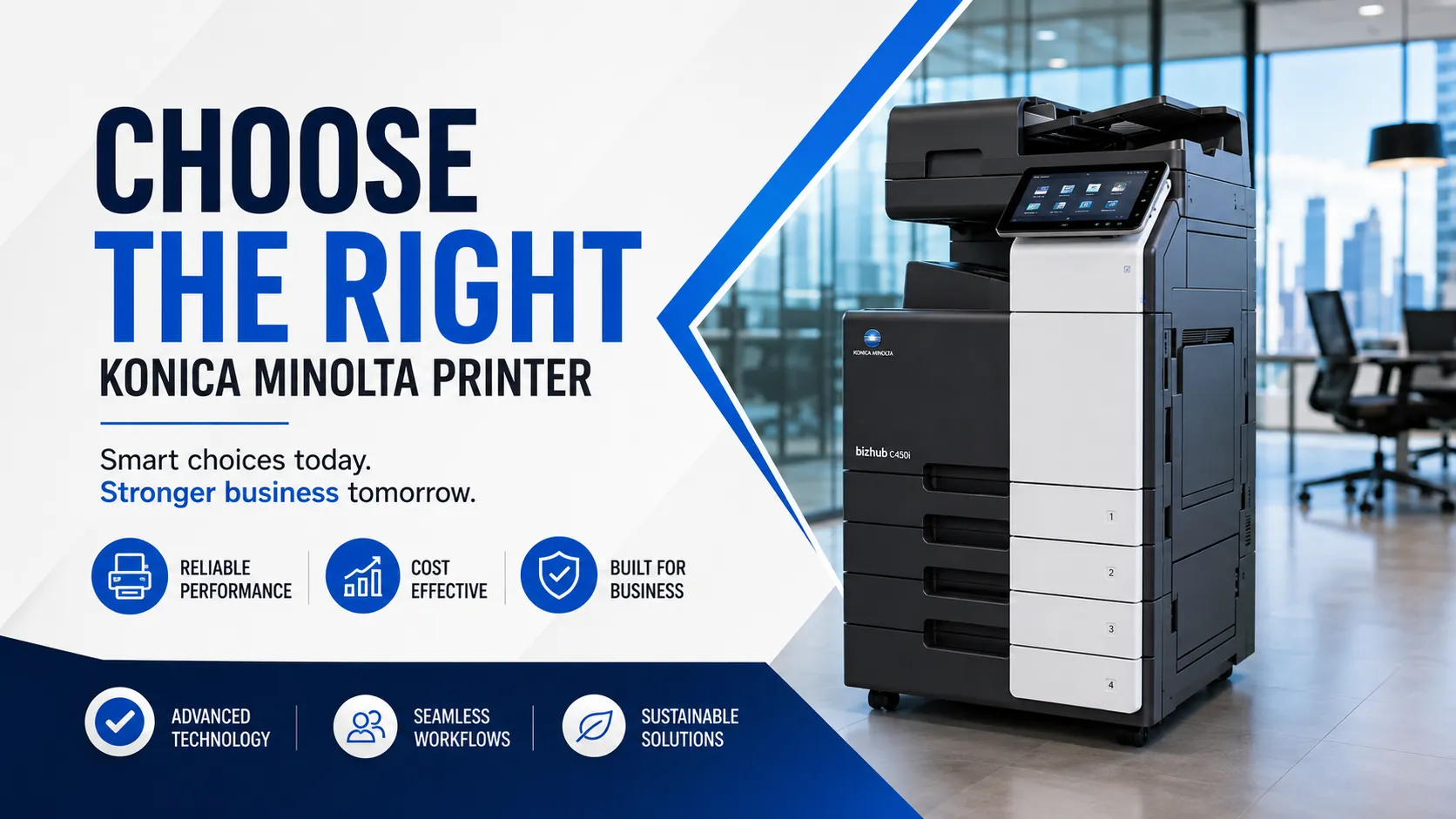
Choosing the right Konica Minolta printer for your business can make a major difference to your productivity, running costs and day-to-day office efficiency. Whether you run a small business, a school, a legal firm, an accounting practice, a medical office, a retail operation or a busy corporate department, the printer you choose should support the way your team works.
For many businesses, office printing only becomes a priority when the current device starts causing frustration. It may be too slow, too expensive to run, difficult to connect, unreliable when scanning, or no longer suitable for the volume of work your team handles every day.
The better approach is to choose a printer that fits your business needs from the start.
At Konica Minolta Gauteng, businesses can explore a wide range of Konica Minolta printers, multifunction devices, software solutions, consumables and support services. The team is focused on helping Gauteng businesses find practical office technology that works, backed by dependable service and their well-known commitment to going beyond.
Below is a helpful guide to choosing the right Konica Minolta printer for your business in Gauteng.
Start by Understanding Your Office Printing Needs
Before choosing a printer, take a closer look at how your business prints, scans, copies and manages documents. A printer that works well for a small office may not be the right fit for a high-volume department, while a large multifunction device may be more than a small team needs.
Start by asking a few simple questions:
How many people will use the printer every day? Do you mainly print in black and white, or do you need colour? Do you need A3 printing, or is A4 enough? How many pages does your business print each month? Do you need fast scanning? Will the printer handle confidential documents? Do you need finishing options such as stapling? Would you prefer to buy, rent or consider a renewed copier?
Once you understand your office requirements, it becomes much easier to choose a suitable bizhub printer for your team.
Choose Between Colour and Mono Printing
One of the first decisions to make is whether your business needs a colour or mono Konica Minolta printer.
A mono printer is designed for black-and-white printing. This is often a practical choice for businesses that mostly print invoices, contracts, reports, internal documents, admin forms and general paperwork. Mono devices are ideal when speed, reliability and cost control are the main priorities.
Popular mono office printer options include models such as the bizhub B300i, bizhub B360i, bizhub B451i and bizhub B551i.
A colour Konica Minolta printer is a better fit for businesses that regularly print presentations, marketing material, proposals, client-facing reports, training documents or branded office documents. Colour printing can help your business present itself more professionally, especially when documents are shared with clients, partners or suppliers.
Colour multifunction options include devices such as the bizhub C250i, bizhub C300i, bizhub C360i and bizhub C451i.
For many Gauteng businesses, the right choice depends on how important presentation is. If most of your printing is internal, a mono printer may be enough. If your documents represent your brand, a colour multifunction printer may be the better long-term investment.
Consider a Multifunction Printer for Better Productivity
A multifunction printer is more than just a printer. It combines printing, copying, scanning and often faxing into one office device. For most modern workplaces, a multifunction printer is the most practical choice because it saves space, simplifies document handling and supports better office workflows.
A Konica Minolta multifunction printer can help your team print everyday documents, copy forms and reports, scan paperwork to digital formats, send documents to email, digitise records and reduce the need for multiple office machines.
For businesses that still handle a lot of paperwork, scanning is especially important. Many companies are working towards more efficient document management and less manual filing. A reliable multifunction printer can help bridge the gap between paper-based processes and digital workflows.
Konica Minolta Gauteng also offers software solutions such as PaperCut and ScanShare to help businesses manage printing, improve document capture and streamline internal processes.
Match Print Speed to Your Office Volume
Print speed is usually measured in pages per minute. A slower printer may be suitable for a small team, but it can quickly become frustrating in a busy office where several people print throughout the day.
For smaller offices, a compact device such as the bizhub C250i or bizhub B300i may be a good fit. These types of devices are useful for everyday business printing where reliability and ease of use are important.
Medium-sized businesses may need a stronger multifunction printer such as the bizhub C360i, bizhub C451i, bizhub B451i or bizhub B551i.
High-volume offices may need faster models such as the bizhub C551i, bizhub C651i, bizhub B651i or bizhub B751i.
The goal is not always to choose the fastest printer. The goal is to choose a device that matches your actual workload, with enough capacity to support future growth.
Decide Whether You Need A3 or A4 Printing
Another important factor is paper size. Not every business needs A3 printing, but for some industries it is essential.
A4 printing is suitable for most everyday office documents, including invoices, letters, reports, contracts and internal forms. If your business mainly prints standard documents, an A4 printer may be more cost-effective and space efficient.
A3 printing is useful for businesses that work with larger documents, spreadsheets, plans, posters, charts, design layouts, marketing material or training documents. If your team regularly outsources larger-format documents, an A3 multifunction printer may help save time and reduce external printing costs.
If A3 printing is only needed once or twice a year, it may not be worth choosing a larger device. However, if A3 documents form part of your regular workflow, a suitable A3 Konica Minolta printer can be a smart investment.
You can view the full printer range on the Konica Minolta Gauteng printers page or request a quote for help choosing the best option.
Think About Your Monthly Print Volume
Monthly print volume is one of the most important factors when choosing an office printer. A printer that is too small for your business may work too hard, require more frequent attention and cause unnecessary downtime. A device that is much larger than you need may cost more than necessary.
If your business already uses a printer or copier, your monthly meter readings can give you a good idea of your print volume. Konica Minolta Gauteng provides a convenient submit meter reading page for existing clients.
Low-volume offices may only need a compact multifunction printer. Medium-volume offices may need a reliable device with better paper capacity and faster output. High-volume environments may need a more robust printer designed for heavier daily use.
Choosing according to print volume helps your business avoid unnecessary costs while still getting the performance you need.
Look at Scanning and Workflow Features
Modern businesses do not only print. They scan, store, share and manage documents every day. That is why scanning and workflow features should be part of your printer decision.
A good multifunction printer should make it easy to scan documents to email, folders or document systems. This is especially useful for legal firms, accounting practices, medical offices, schools, finance teams and administrative departments.
If your business handles high volumes of paperwork, software such as ScanShare can help improve document capture and routing. For teams that need better print control and reporting, PaperCut can support print management and cost visibility.
You can view more available solutions on the Konica Minolta Gauteng software page.
Do Not Overlook Printer Security
Printer security is often forgotten, but it is an important part of modern office technology. Printers and multifunction devices can handle sensitive information such as client records, financial documents, HR files, legal contracts, medical information and internal reports.
A modern Konica Minolta printer can support more secure document handling through features such as user authentication, secure print release and controlled access. When combined with print management software, your business can reduce the risk of confidential documents being collected by the wrong person or left unattended at the printer.
This is especially important for businesses that handle private customer information or operate in regulated industries. Printer security should be viewed as part of your wider business security strategy.
Compare Buying, Renting and Renewed Copier Options
Not every business wants to purchase a printer outright. Many companies prefer printer rental because it helps manage cash flow and gives them access to dependable office equipment without a large upfront cost.
Printer rental can be a practical option for businesses that want predictable monthly costs, support, maintenance and flexibility. It can also make it easier to upgrade as your office needs change.
Konica Minolta Gauteng also offers renewed copier options, which can help businesses save money while still gaining access to reliable office equipment. A renewed copier can be a smart choice for schools, start-ups, growing SMEs and cost-conscious businesses that want dependable printing without overspending.
When comparing options, consider the upfront cost, monthly budget, expected print volume, service requirements, consumable costs, business growth and long-term support.
For more information, you can view the Master Rental Agreement or request a quote online.
Factor in Toner, Consumables and Running Costs
The cost of a Konica Minolta printer is not only the cost of the machine. Running costs also matter. Toner, drums, imaging units, developer units, paper and maintenance can all affect your monthly printing budget.
When choosing a printer, ask about the availability and cost of consumables. A printer that seems affordable at first may become expensive if it is not suited to your print volume or if consumables need replacing too often.
Konica Minolta Gauteng makes it easier for businesses to order compatible consumables through their online shop. Businesses can find toner cartridges, imaging units, drums and other consumables for various bizhub models.
Examples include products such as Toner K C450i/C550i/C650i, Toner Cyan C250/C300/C360i, Toner Black C250/C300/C360i and Toner B227/B287/B367.
Existing clients can also use the request consumables page for assistance.
Make Sure Local Support Is Available
Reliable local support is one of the biggest reasons to choose an established Konica Minolta partner in Gauteng. When your printer is central to your business operations, you need more than just a machine. You need a team that can assist with setup, servicing, consumables and technical support.
Konica Minolta Gauteng provides several helpful support options, including request service, driver downloads and general support services.
This is valuable for businesses that cannot afford unnecessary downtime. A printer problem can slow down admin, delay invoicing, interrupt customer service and frustrate staff. Having access to a local support team helps keep your business moving.
Choose a Printer That Fits Your Type of Business
Different industries have different printing needs. A legal firm may need fast mono printing, secure document handling and reliable scanning. A marketing team may need strong colour output. A school may need affordable high-volume printing. A medical practice may need secure scanning and dependable support. A growing SME may need a flexible rental or renewed copier option.
Small offices and SMEs may be well suited to compact multifunction devices such as the bizhub C250i, bizhub C300i, bizhub B300i or bizhub B360i.
Medium-sized offices may need a stronger device such as the bizhub C360i, bizhub C451i, bizhub B451i or bizhub B551i.
High-volume offices may need devices such as the bizhub C551i, bizhub C651i, bizhub B651i or bizhub B751i.
The best choice depends on your workload, budget, users, document types and support requirements.
Why Choose Konica Minolta Gauteng?
Konica Minolta Gauteng is more than a printer supplier. The business is known for its strong service culture, family-focused values and commitment to helping clients find practical office solutions. Their tagline, going beyond, reflects the way they aim to support businesses before, during and after installation.
They also regularly share updates, company news and customer-focused content through their social media platforms. You can follow them on Facebook and Instagram to stay connected.
With access to a wide range of printers, software solutions, support services and online consumables, Konica Minolta Gauteng can help businesses choose office technology that fits their needs.
Final Thoughts
Choosing the right Konica Minolta printer is about more than selecting a model number. It is about understanding how your business works, how much you print, whether you need colour or mono output, how important scanning is, what level of security you require and how much support your team needs.
The right printer can help your business save time, reduce frustration, control printing costs and improve everyday productivity.
Whether you need a compact office printer, a high-speed multifunction device, a colour bizhub printer, a mono copier, a rental option or a renewed copier, Konica Minolta Gauteng can help you make a confident decision.
Looking for the right Konica Minolta printer for your business in Gauteng? Explore the full Konica Minolta Gauteng printer range or request a quote online today.